Select Collection Station
Financial Management > Revenue Collections > Receipts > Select Collection Station
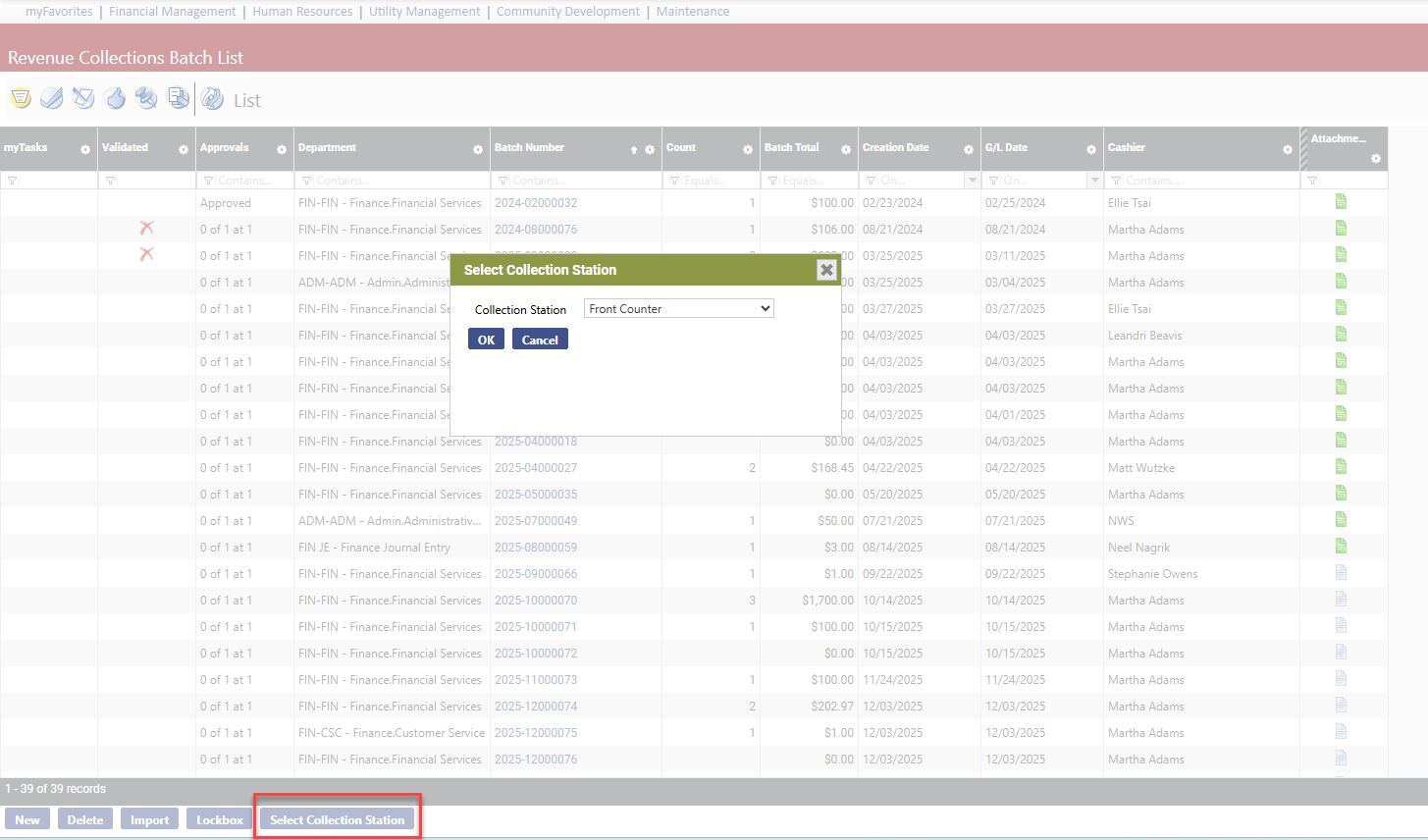
The new Select Collection Station button on the Revenue Collection Batch List page lets you change collection stations without having to log out and log in:
 Permission
For the Select Collection Station button to display on a user's Revenue Collection Batch List page, the user needs permission to the Revenue Collection Select Collection Station security component:
- Navigate to Maintenance > new world ERP Suite > Security > Users. The User List page displays.
- Use the filter in the User Name column to search for the user.
- Select the user's row.
- Click Permissions. The User Permissions page displays, containing a grid of security components and a filter panel.
-
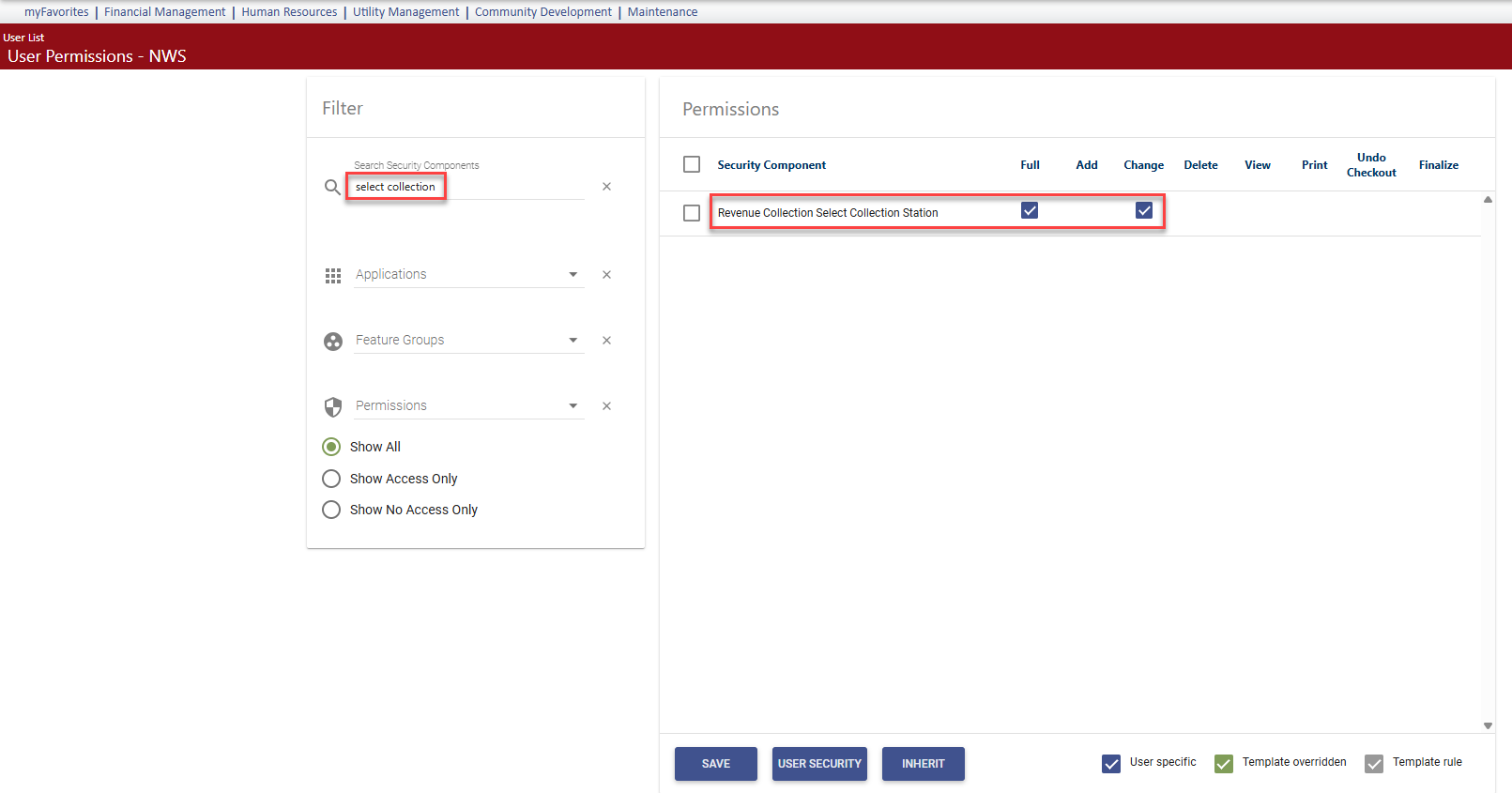
In the Search Security Components filter, type select collection. The grid refreshes to display the Revenue Collection Select Collection Station component:
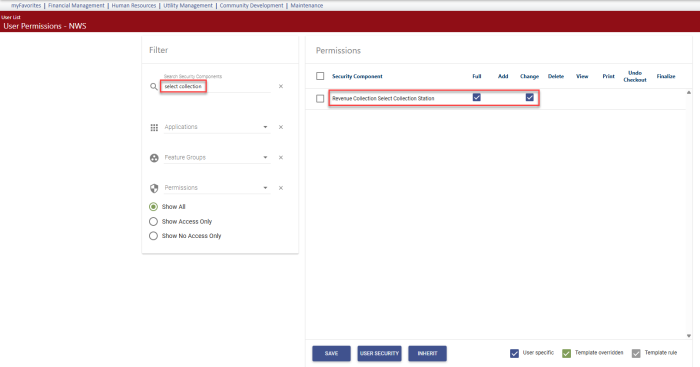
- Select Full permission.
- Click Save.
- For the permission to take effect, the user must log off and log back on.
Note: If the user's IP address is attached to a collection station, the user is assigned to that station automatically, so the button would not be available, regardless of the permission setting.